

Worldwide Shipping | 30-day return policy | 1 year warranty

Select you Country

SCAN. TRANSLATE. SHARE

The best digital highlighter, scan printed text in 12 supported languages, into any app and save/share onto cloud storage.

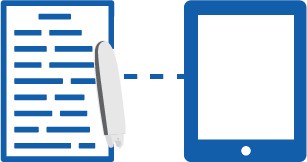
How The Connect Connects

Connect

Scanmarker

iOS
Android
Mac
PC
IOS Scan to Cursor Within Any App
Android Scan to Cursor Within Any App
Mac Keyboard
PC Scan to Cursor Within Any App
Chrome Scan to Cursor Within Any App

Independent Review - Connect Vs Scanmarker

How The Connect Performs

Connect

Scanmarker

Scanning Speed
Durability
Sharing
Cloud Storage
Easy to Use
Performance
App
Value for money
Affordability
Device Colour
Languages
*The Connect covers all of the most desired/spoken languages

The Connect Pen Video

SCAN TO FILE

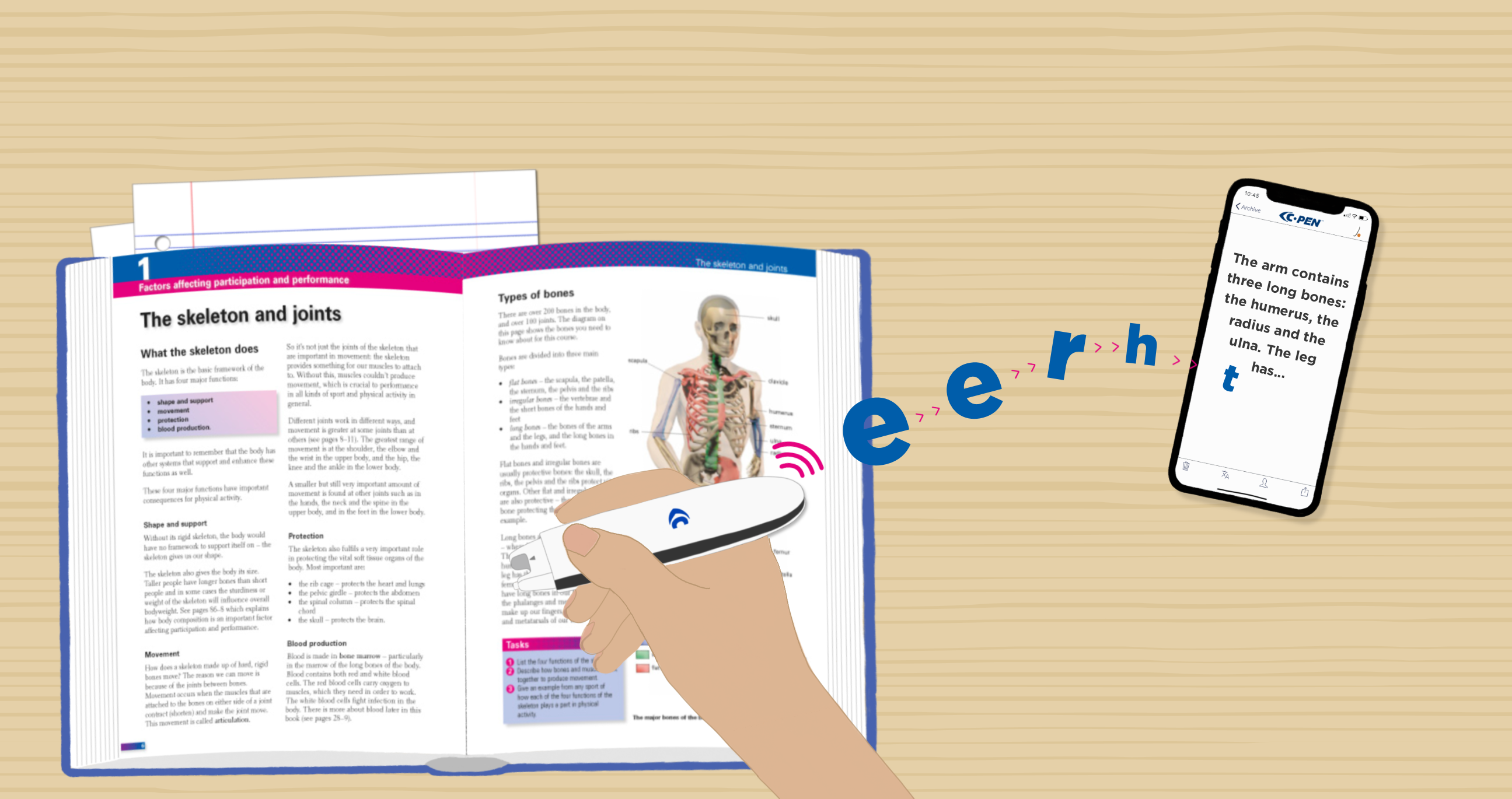
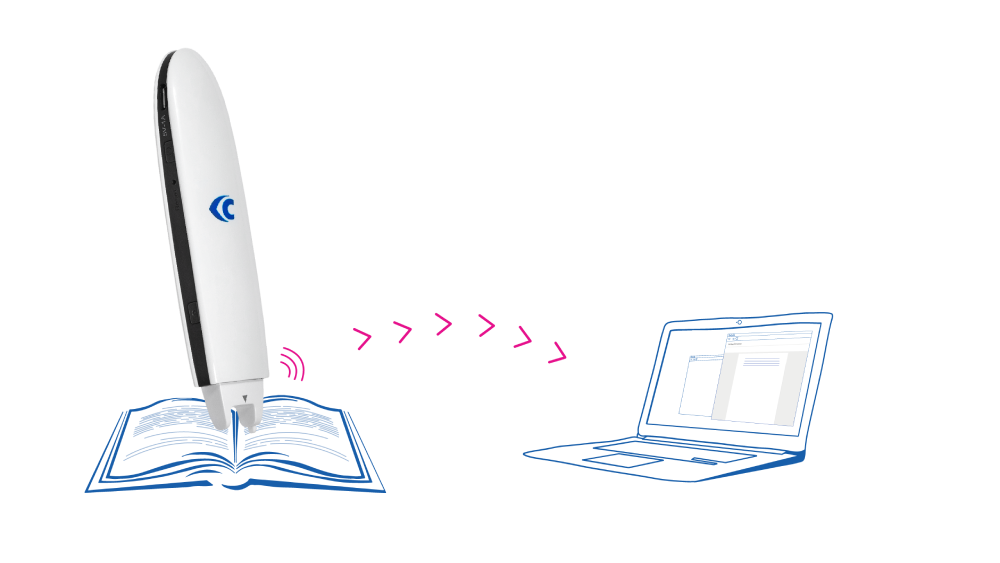
Scan text in printed form and digitalise it. Just run the Connect Pen along text, while connected to your device, and it will type out all of the text you scan.

STORAGE

Scan notes and quotes from textbooks and documents. Save as a text file locally, upload to your cloud drive, or share with someone in a message.

BATTERY

A long battery life ensures you can scan text and translate for hours without needing to recharge.

Internet

The Connect Pen will work anywhere you want to take it, with no need to connect to the internet.

Translate

The Connect Pen can help you read or learn an additional language. It instantly translates, and has accurate and consistent pronunciation, so you can be more confident in any language you learn.

Text to Speech

Listen to your text whilst scanning, use it to listen to pronunciations or to help you read and memorise coursework.

"I’ve been enjoying using the Connect Pen in my daily studies, and have found it very useful. It’s been particulary helpful for me when picking out quotations from book for my research."

-Henry, Student

"I’m a university student and I recently purchased the Connect. The pen is awesome as it saves a lot of time of coping and re-typing extracts from textbooks and it also makes reviewing notes much easier. I didn’t buy for translation tool but that has also been a really great feature that’s supported my coursework"

-Clare, Student

"Using the Connect Pen in combination with Dolphin EasyReader simplifies the reading experience of printed text. The pen is able to scan swiftly and accurately, and I can use my preferred text and voice settings in EasyReader."

-Mattias at Dolphin Computer Access

"As a research student I am constantly reading academic papers and textbooks. Due to advancements in technology; there are journals and papers online. However, when it comes to reading textbooks and older research findings in libraries, I find myself wasting a lot of time rewriting information. This process is inefficient and takes a lot of time away from my research. Therefore, with the acquisition of the Connect Pen, I have been able to be super effective when taking information and notes from text. Additionally, with being dyslexic, the ‘reading out loud’ feature is really helpful and allows me to understand the text more easily. I highly recommend the connect pen to all research and dyslexic students"

-Shaheim Ogbomo-Harmitt, Student
Independent Review of The Connect Pen

  • Ultra Fast Processing
  • Translate over 40 languages
  • Share Notes in few clicks
  • Take your notes everywhere

The Connect Pen works with Android, iOS (iPhone/iPad), Windows and Mac.

System Requirements – iOS 11/Android 5
Buy NowBuy NowBuy NowBuy NowBuy NowBuy Now
JOIN OUR MAILING LIST
starclosetwitterfacebooklinkedinyoutube-playinstagrampinterest-p